Removing an ESX(i) host from a DvS (distributed virtual Switch)
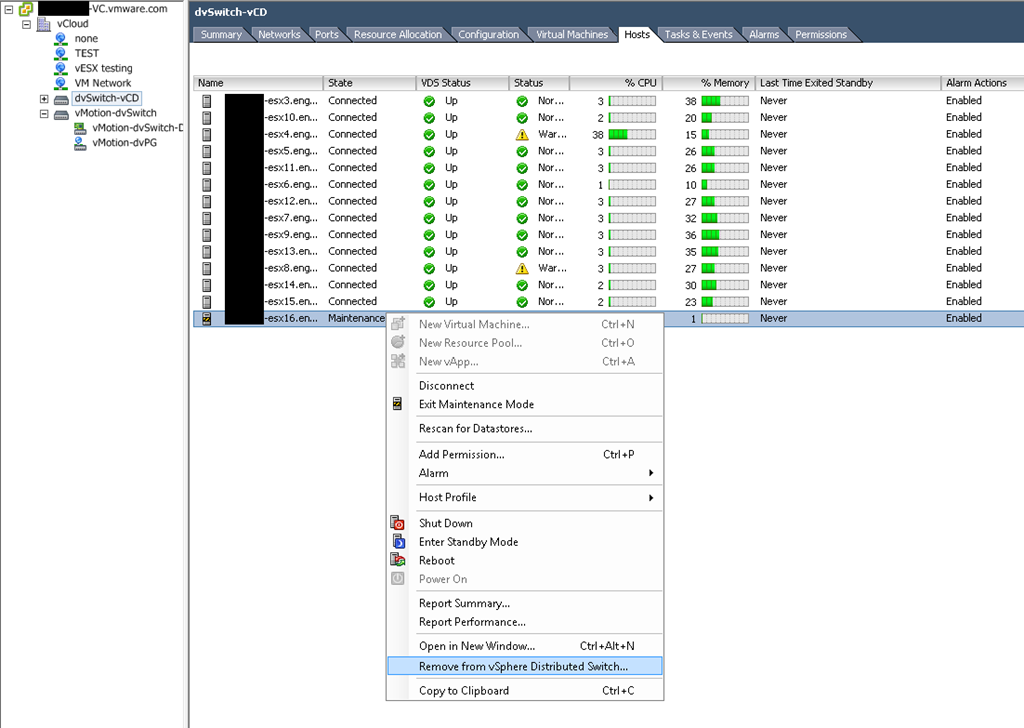
For some reason the UI makes it difficult to find this option. It’s not hard to find when you remember where to look. Go into Home/Inventory/Networking, choose your DvS you want to remove the host from, then choose the “Hosts” tab, then click the host you want to remove and choose “Remove from vSphere Distributed Switch…”
2 comments
Sorry for the snarky comment, this was a good post. Thanks!